SMS Flow Full for Android
It sends your dashboard messages, API calls and campaigns through the phone's own SIM, with your number.


Or scan it with your Android phone
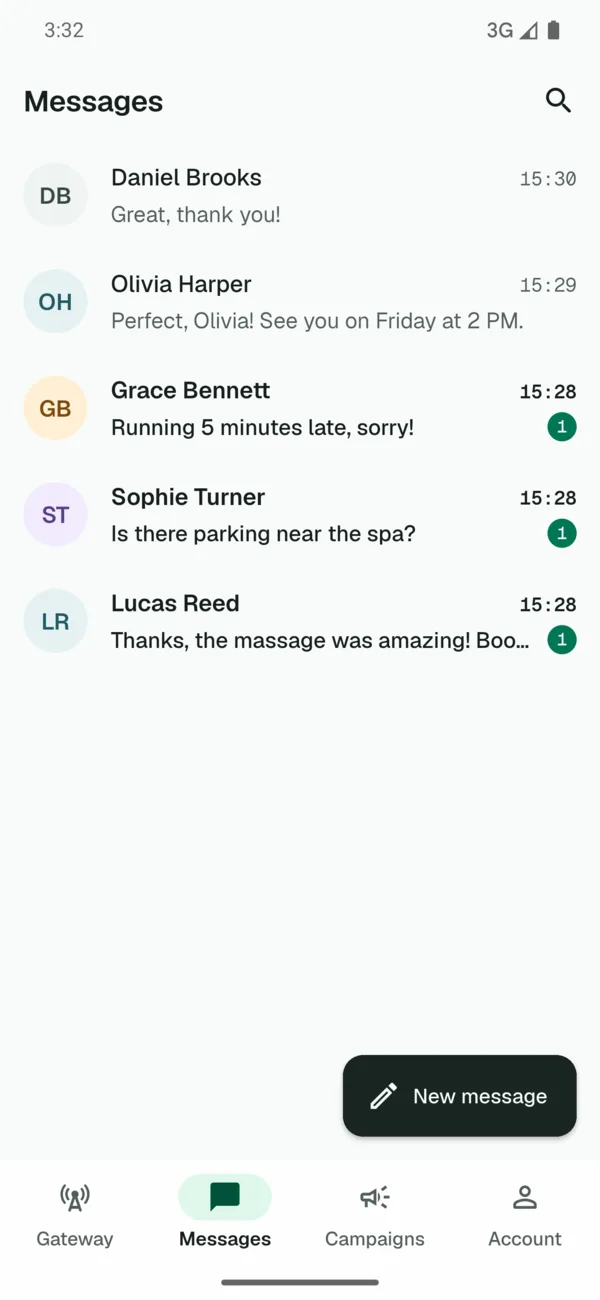
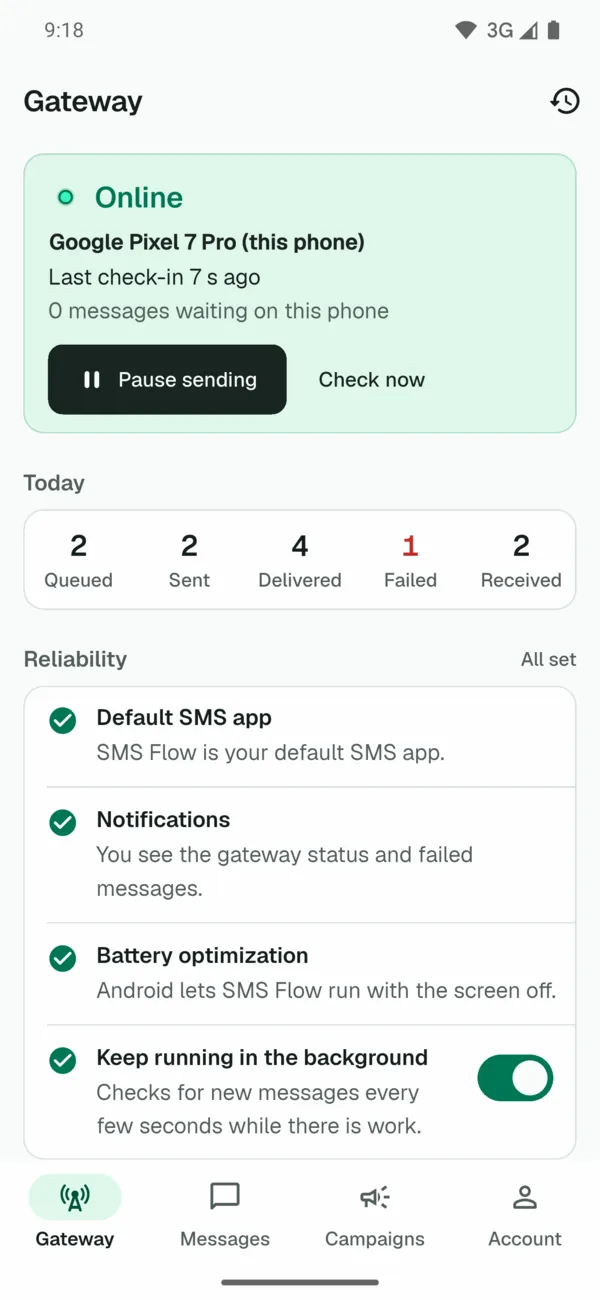
One phone for reminders, replies and your code
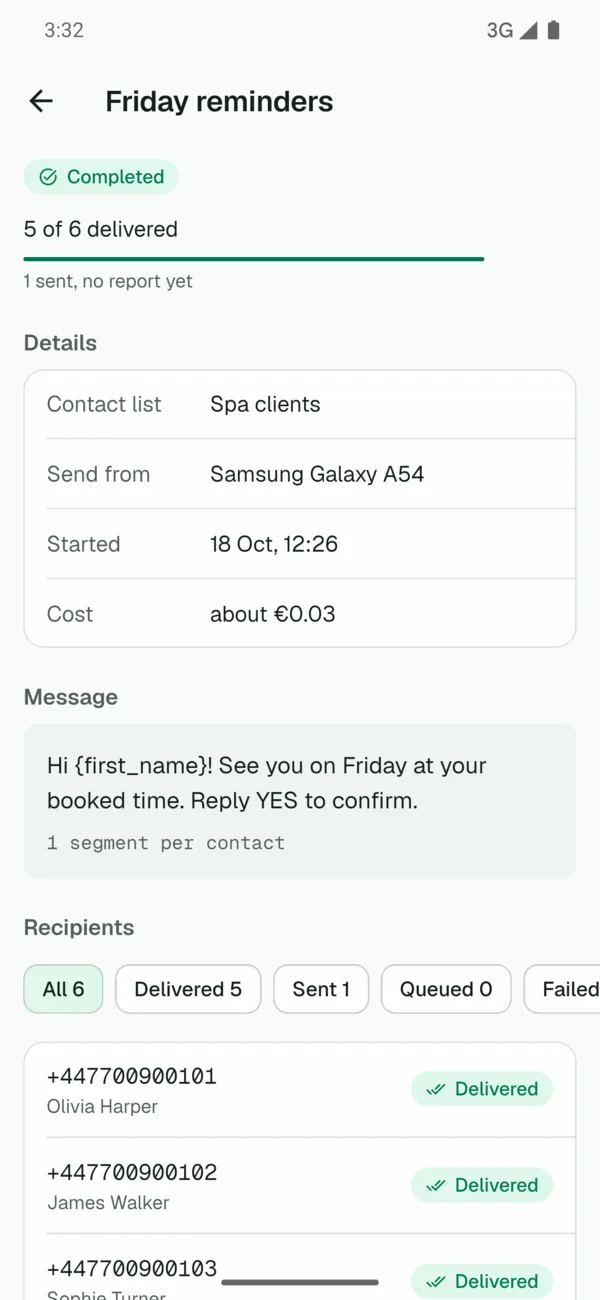
Campaigns to your contact lists
Send Friday reminders to every client and see who got them.
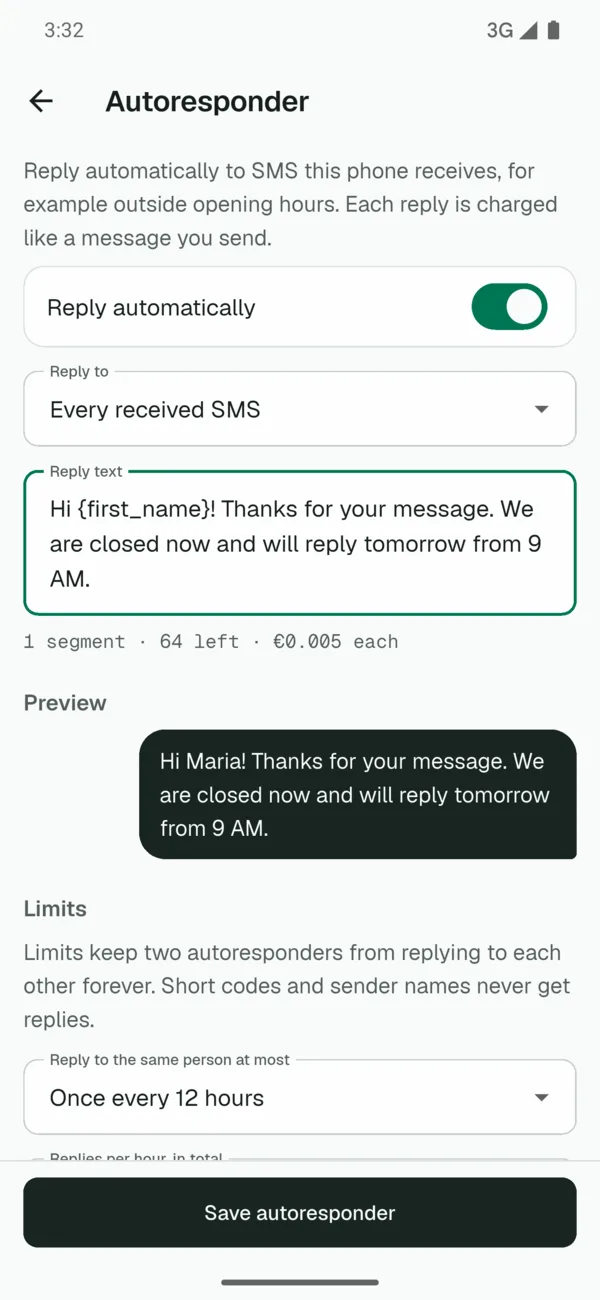
Automatic replies
Answer every SMS the phone receives, for example outside opening hours.
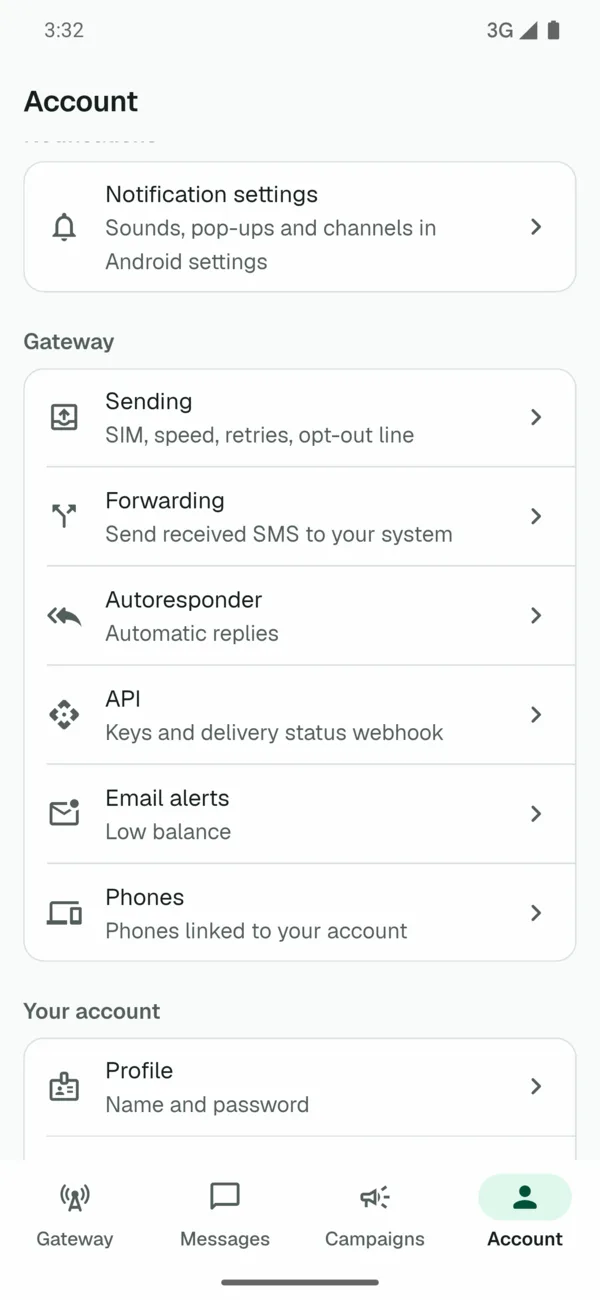
API and webhooks
Send from your code and forward received SMS to your own system.
Ready in four steps
Use the Android phone with the SIM you want to send from. It needs Android 7 or newer.
Install SMS Flow Full
Get it from Google Play on the phone.
Sign in
Use the same account as on the website. The phone then appears under Devices in the dashboard.
Make it the default SMS app
Allow it when the app asks, and allow notifications, so it can send and receive messages in the background.
Send a test message
Write one in the dashboard and pick the phone. Its status changes to Sent, then Delivered when the network confirms it.
Install without Google Play
For phones without Google Play, or if you prefer to install the file yourself. It is the same app with the same signature, so the APK and the Google Play version update each other.
Open the file on the phone and allow installing apps from your browser when Android asks. Then follow the steps above from step 2.
If Play Protect blocks the install
In some countries Android blocks every app installed from a browser that can read SMS, and shows “App blocked to protect your device”. The Full app needs SMS access to work, so the APK is blocked there too. Installing from Google Play avoids this. If you still want the APK:
- Tap Got it.
- Open the Play Store app, tap your profile picture, then Play Protect.
- Tap the settings icon at the top right and turn off Scan apps with Play Protect.
- Open your Downloads and tap the SMS Flow APK to install it.
- Go back to Play Protect settings and turn Scan apps with Play Protect on again.
You may need to do this again when you install a new version of the APK.
If you installed the Full app before version 1.2.0
Older Full APKs and the Google Play version were the same Android app. Since 1.2.0, SMS Flow Full is a separate app, so it does not update the old one and shows up next to it.
- Install SMS Flow Full from Google Play, or download the APK above.
- Open SMS Flow Full, sign in with the same account and set it as the default SMS app.
- Uninstall the old SMS Flow app. Your SMS stay on the phone, and your contact lists and campaigns stay in your account.
- In the dashboard, remove the old phone from Devices if it is still listed.
Check the file before installing
Download the APK only from smsflow.app. Compare its fingerprint with the one below. Android refuses updates signed with a different key than ours.
- APK SHA-256
113aebe6b444a065e3304289be050346716b29dc690757b27bb9e4f413e7c6e1- Signing certificate SHA-256
72aa4511ad613d89076e79809f66ca137bf541f8307bacbb7e44d3d2abd3b8ca
On a computer, check the downloaded file with:
shasum -a 256 sms-flow.apkapksigner verify --print-certs sms-flow.apkOnly want to read your SMS on the web?
SMS Flow on Google Play is a regular SMS app with web sync: read and answer your SMS in the browser. It does not send campaigns, API messages or automatic replies.
About the app
All questionsInstall SMS Flow Full from Google Play or from smsflow.app/download. Since 1.2.0 it is a separate app, so it does not replace the old one. Sign in with the same account, set SMS Flow Full as the default SMS app, then uninstall the old SMS Flow. Your SMS stay on the phone, and your contact lists and campaigns stay in your account. Remove the old phone from Devices in the dashboard if it is still listed.
SMS permissions to send, receive and read messages (the app works as your default SMS app), contacts to show names in your conversations, phone state to choose the SIM on dual-SIM phones, notifications, and starting after a reboot. The Full app also runs a foreground service so it can keep checking for messages to send.
Download it only from smsflow.app/download. The page lists the SHA-256 fingerprint of the file and of our signing certificate, so you can check the APK before installing it. Android also refuses an update that is signed with a different key.
In some countries Android blocks every app installed from a browser that can read SMS. The Full app needs SMS access to work, so it is blocked there too, even though it is registered with Google and signed with our certificate. To install it, turn off Scan apps with Play Protect in the Play Store (profile picture, Play Protect, settings), install the APK, then turn scanning on again. The steps are on smsflow.app/download. Both apps install normally from Google Play.
The Google Play app is a regular SMS app that can sync with your SMS Flow account: read messages and reply from the web. SMS Flow Full adds campaigns, the REST API, webhooks and the autoresponder. It is on Google Play, and also as an APK from smsflow.app. Businesses and developers need the Full app.
Only if you turn on web sync in the app after reading what it does. Until then, your messages stay on the phone. You can turn web sync off again at any time.